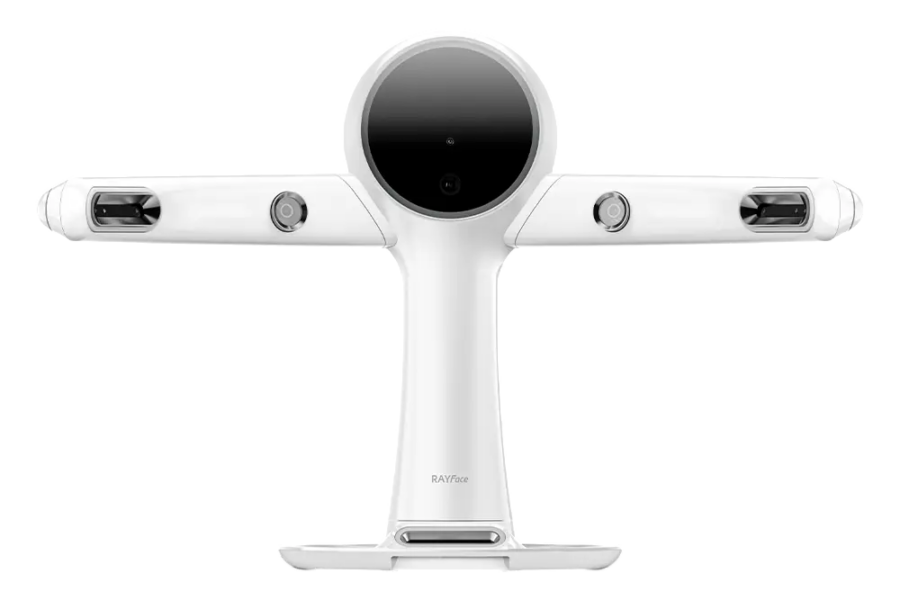
RAYFace v2.2.18.10
More Intuitive Alignment
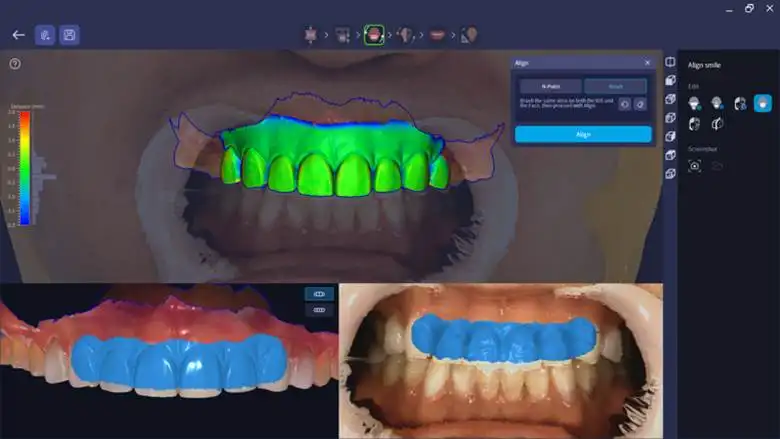
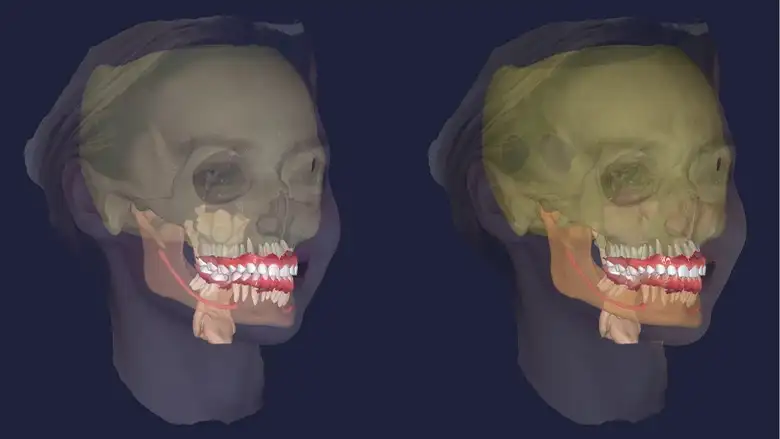
Auto-Alignment and Facial Reconstruction
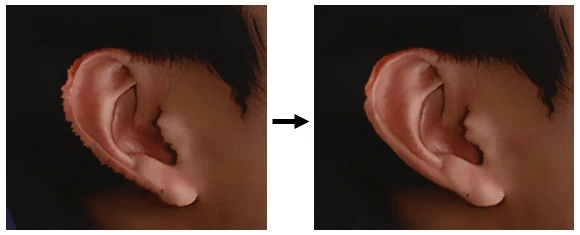
CT auto-alignment now uses facial soft tissue and tooth position, and supports newly captured or reconstructed CT data with a field of view of 150 mm or less. Facial transitions, mouth texture and ear detail have also been refined.
Update note: For CT data captured with RAYFace v2.2.4 or earlier, reconstruct the data after updating before using the new CT auto-alignment.
Faster, Higher-Quality Rendering
Rendering performance and quality have been improved, following the recent move to a VTK (Visualization Toolkit)-based renderer. Rendering speed is faster and GPU load is reduced, and Depth Peeling has been applied so that blending between models looks more natural. VTK has also been updated from version 9.0 to version 9.3.
Configure Screen Now Password-Protected
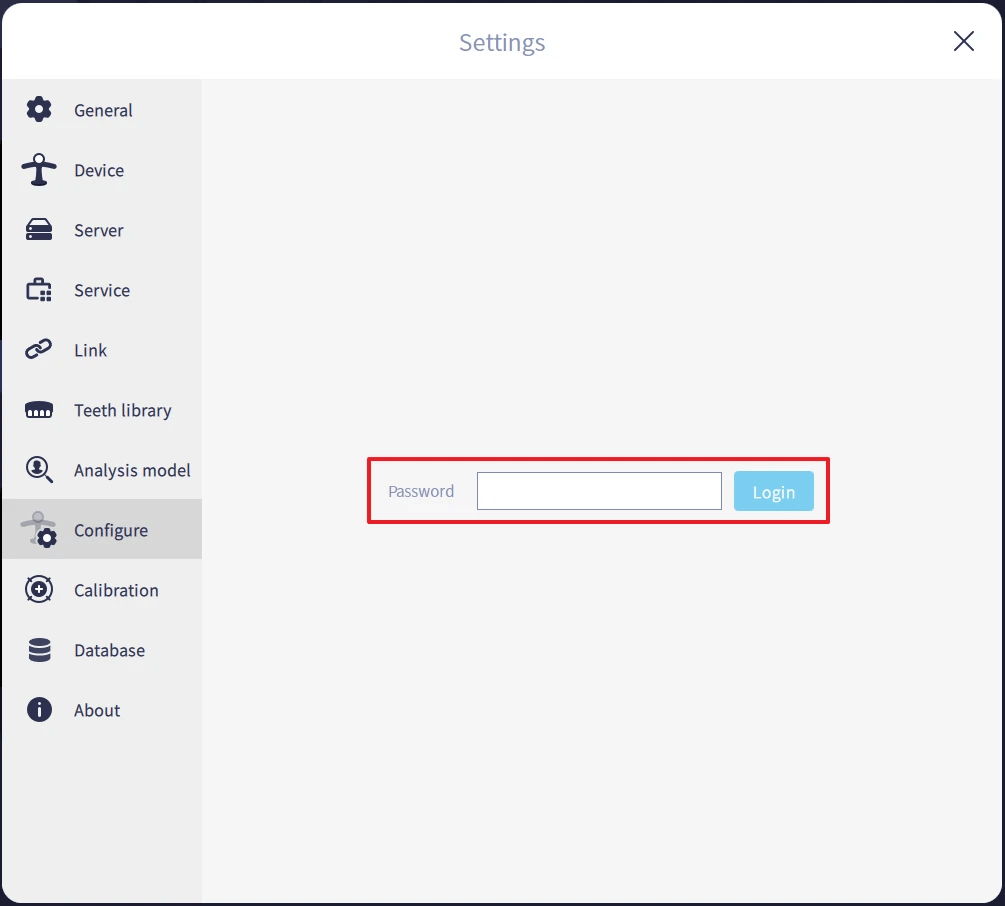
The [Settings] → [Configure] screen now requires a password before it can be opened, preventing general users from changing the camera position. The password is symphony.
Facial Reconstruction Refinements
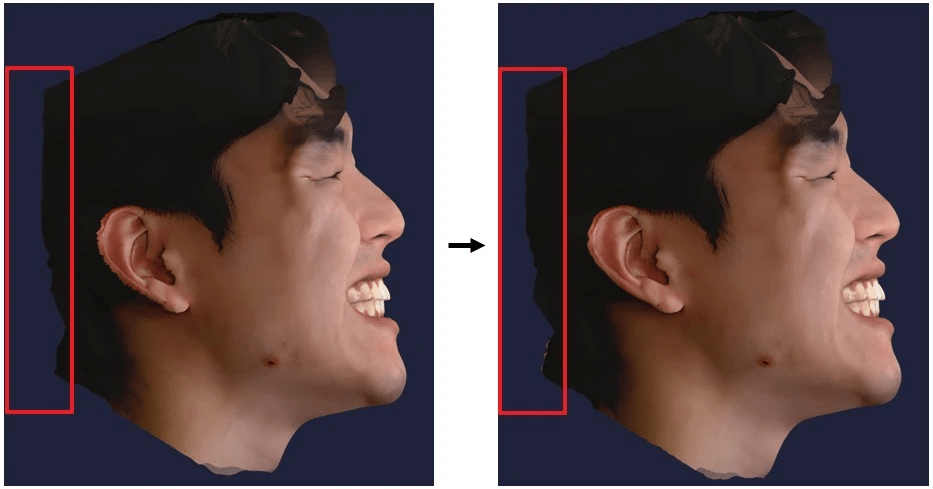
• Reduced shrinkage in the back-of-head area
• Improved ear reconstruction detail
D+Suite and RAYMill C
The latest D+Suite changes add useful options for case handling, scan compatibility and milling information.
Integration, Support and Scanning
• Standard VDDS integration has been added. Installation must be performed with Windows administrator rights.
• Quick Support can now be started directly in D+Manager via Settings > Remote Support > Start Remote Support.
• Five Scanbody libraries have been added: Dentis, With, GeoMedi, NEOBiotech and Osstem.
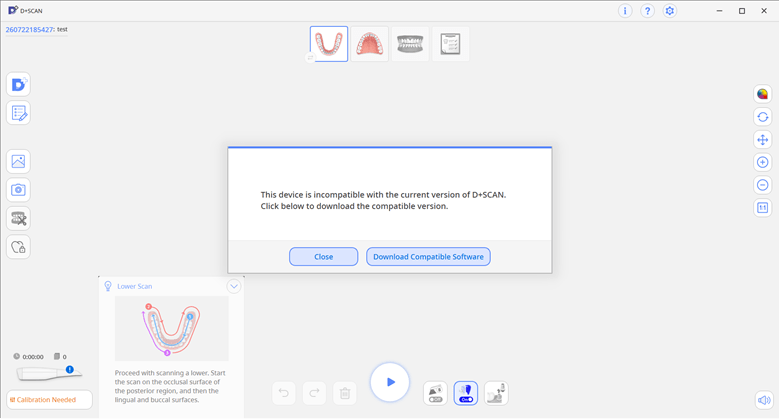
• Older D+SCAN handpieces show a compatibility notification with a download path for the required software version. Legacy software is also available through RAYTeams.
D+CAM Workflow Updates
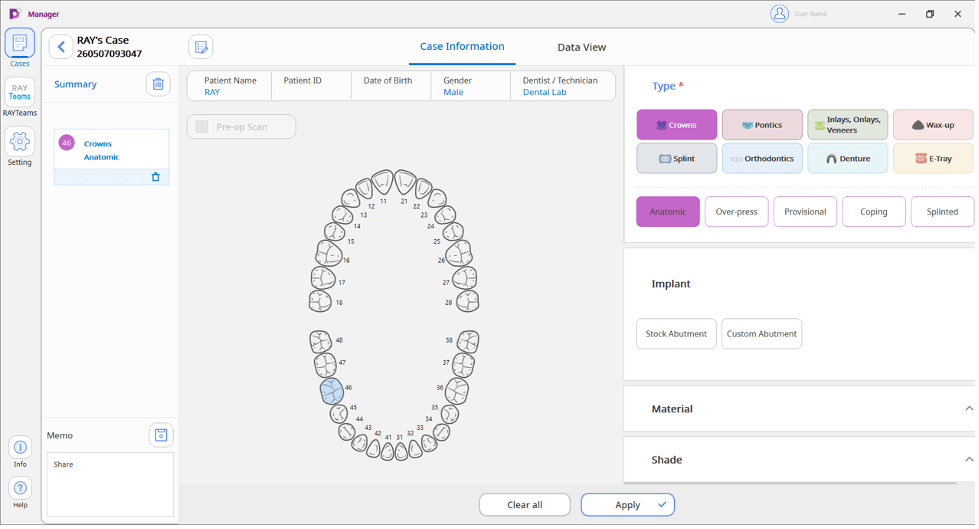
Customized Templates for Prosthesis Types
RAYMill C (DM-5000) Updates
Faster Pre-Milling Routines
For the first three milling jobs after a bur replacement, precision sensing is reduced from three checks to two. The water-flow wait after sensing is also reduced from 30 seconds to within five seconds.
Compatibility note: These operating-time improvements do not apply to the older Speed+ model.
Calibration Engineer Mode
A dedicated Calibration Mode is available through Control Panel > Settings > Calibration Mode > Enter Access Key. It is intended for initial installation, after physical impact or after replacement of key components.
Bur Lifespan Statistics
A new control-panel statistics screen shows current bur usage, lifespan, job counts, milling time and milling history. This information was previously available through DMAN.